
Law Firm Cybersecurity: A Practical Checklist for Client Communications
A practical security checklist for professionals handling confidential messages, documents and remote consultations.

Short answer
Legal cybersecurity starts with controlled access, strong authentication, matter-linked communication and disciplined document handling. Technology helps, but consistent habits make safeguards effective.
Seven practical controls
- Use unique passwords and multi-factor authentication.
- Keep devices and applications updated.
- Restrict each matter to authorised participants.
- Use private storage and time-limited document links.
- Confirm unusual payment requests through another trusted channel.
- Back up essential records and test recovery.
- Maintain a response plan for loss or compromise.
Keep client communication in a structured workspace. Register as a professional →
Treat AI as part of the data route
Before placing client material into an AI service, understand processing, retention and access. Remove unnecessary identifiers, limit inputs and require human review.
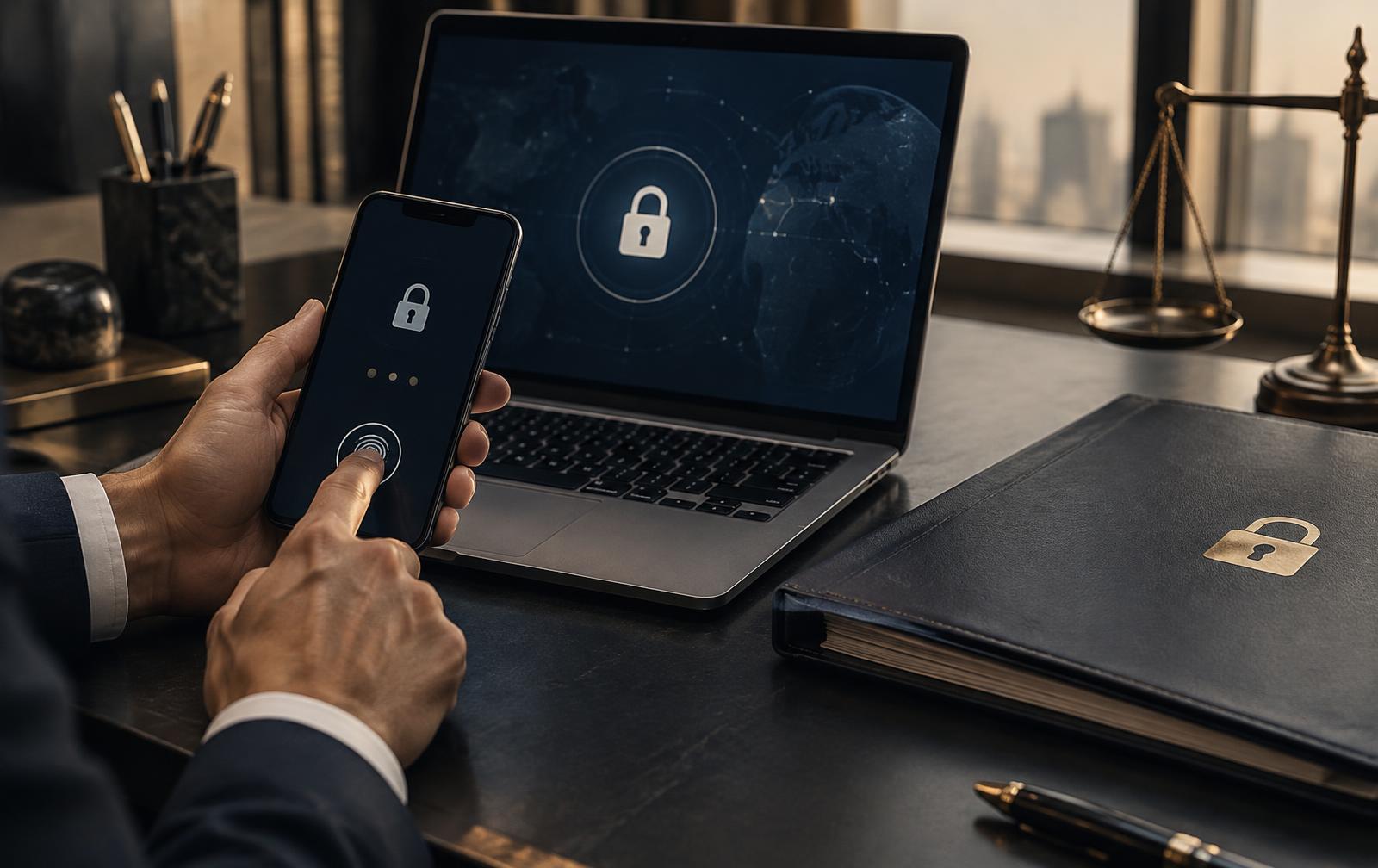
Make secure communication clear
Tell clients which channel to use, which files are needed and how genuine requests from you appear. Clear expectations reduce accidental disclosure.
Frequently asked questions
Is email always unsafe?
Risk depends on configuration and context. A matter workspace with controlled membership reduces fragmentation.
Should everyone access every matter?
No. Access should follow role and current need.
Does a secure platform remove professional responsibility?
No. Professionals remain responsible under their applicable rules.
Communicate through a controlled workflow. Create your profile →
General information, not legal or cybersecurity advice. Global Lawyers House is not a law firm.
Bring your expertise to a global audience
Create a professional profile for review and connect with clients seeking your jurisdiction and expertise.